Debugging PMDO
From PMDOWiki
PMDO Mac Debug Setup
Note: This has only been tested with Jetbrains Rider and Visual Studio Code
Made by: Trio-#4442
- Download .NET 5.0 https://dotnet.microsoft.com/en-us/download/dotnet/5.0. Confirm that it is installed using the command
dotnet --list-runtimes. - Recursively clone the PMDO repository using
git clone --recurse-submodules -j8 https://github.com/audinowho/PMDODump.git. - Copy all of the
.dylibfiles inPMDC/PMDC/runtimesfolders toPMDC/PMDC. Here’s what your file structure should look like: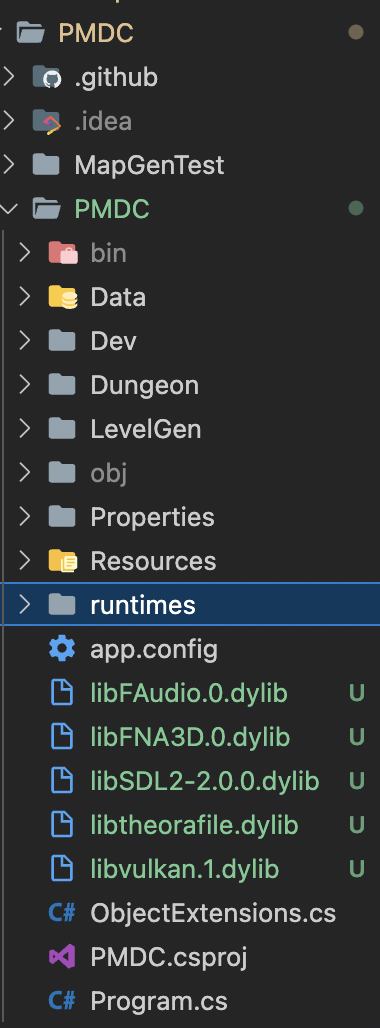
- In your
~/.gitignore_globalfile, add the following files for git to ignore:

# Debug logs (npm, yarn)
*.log

# Editor artifacts
.*.sw[a-z]
*~
.#*
.vscode
.idea

# OS files
Thumbs.db
.DS_Store
You may want to include more. Modified from here.
The following steps below depend on your IDE of choice. See each section below.
Jetbrains Rider
(requires paid subscription)
- Debug should run out of the box. Set the configuration to PMDC and click "Debug", and you should be all ready to go!

Visual Studio Code
- Install the C# extension. There is a possibility that you have to downgrade to an older version like
v1.24.4or modify the settings in Omnisharp settings discussed here? But I personally wasn’t able to figure out how to make it work. - Create
.vscode/launch.jsonin the root folder ofPMDODumpIn launch.json, copy everything from here to the file.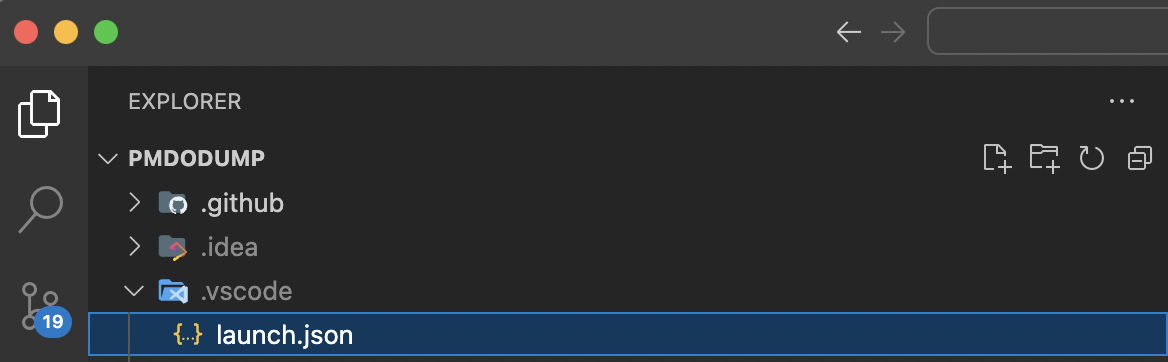
- In the
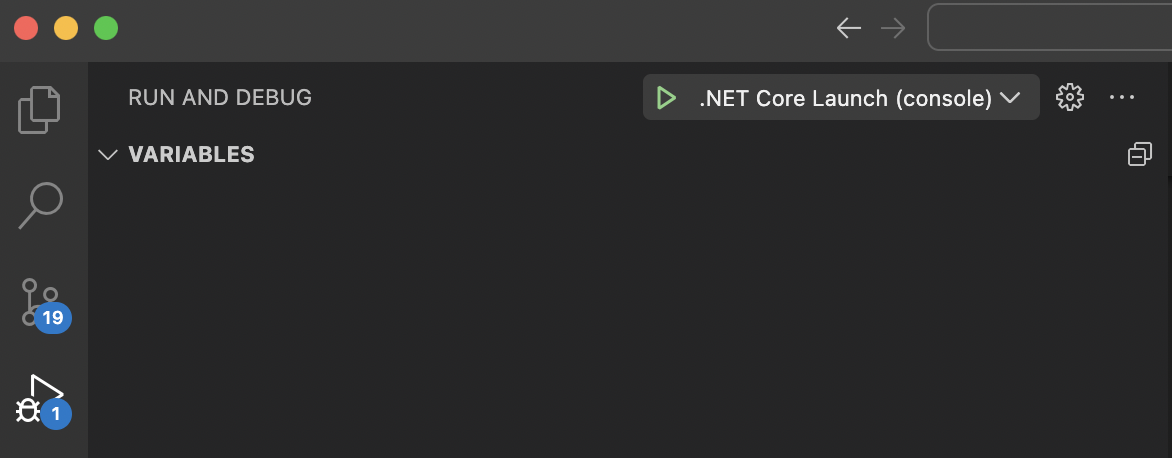
Run and Debugtab in VSCode, you can click on the green arrow to begin debugging.